How To's

Support

How do I add a new shipping address?

To add a new shipping address:

  1. Navigate to “Account Settings“.
  2. Click the “My Address” tab.

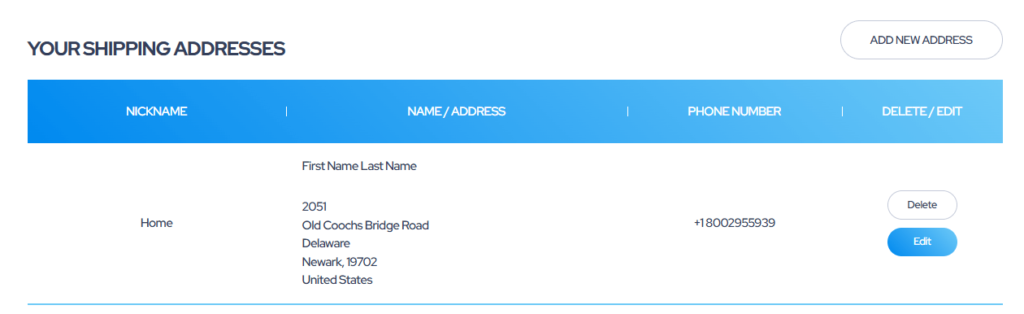
3. Click “Add New Address” to add a new address.

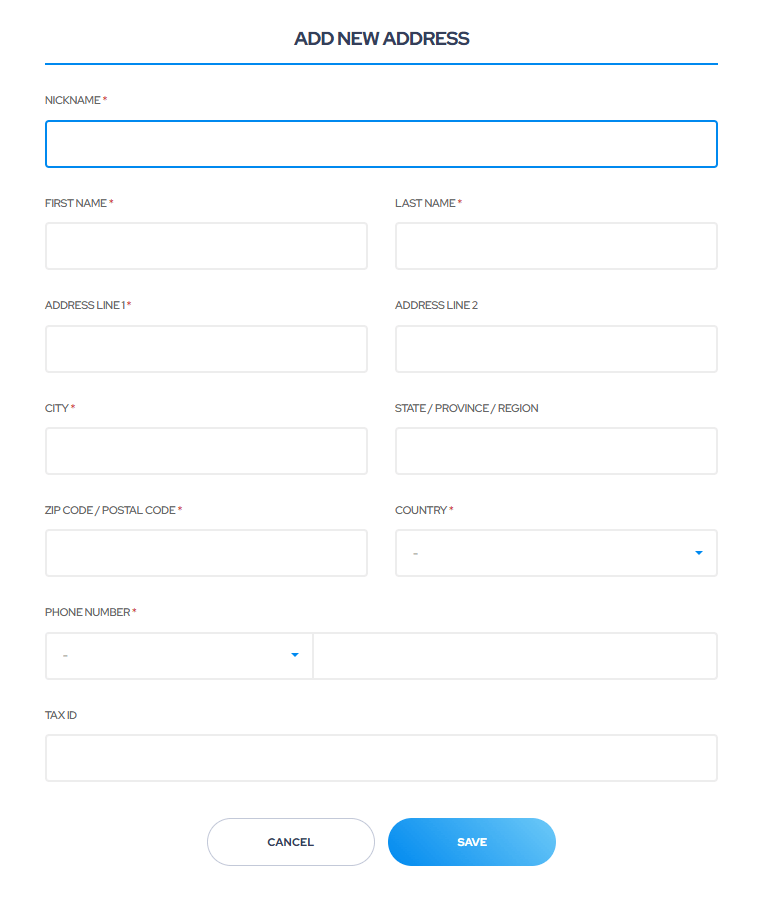
4. Complete all of the fields below.

5. Once you have entered all of your information, click “Save” to complete adding the new shipping address.

Please note that during the checkout process, you should have the option to select a shipping address by its designated nickname.

Latest Posts

Your Suite Address update!

As part of our move to a larger facility, we needed to update how your address needs to appear on your packages being sent to us. Starting immediately, please send all packages to our new address using this format:

2051 Old Coochs Bridge Rd
Suite 500, Rm (your personal suite number)
Newark, DE 19702

Please put our personal suite number in after “Rm” to ensure delivery.